
How to Open FB2 Files on iPhone (No Converting)
How to open FB2 files on iPhone: what FB2 is, why Apple Books can't read it, and how to open .fb2 and .fb2.zip books in a reader, with or without converting.
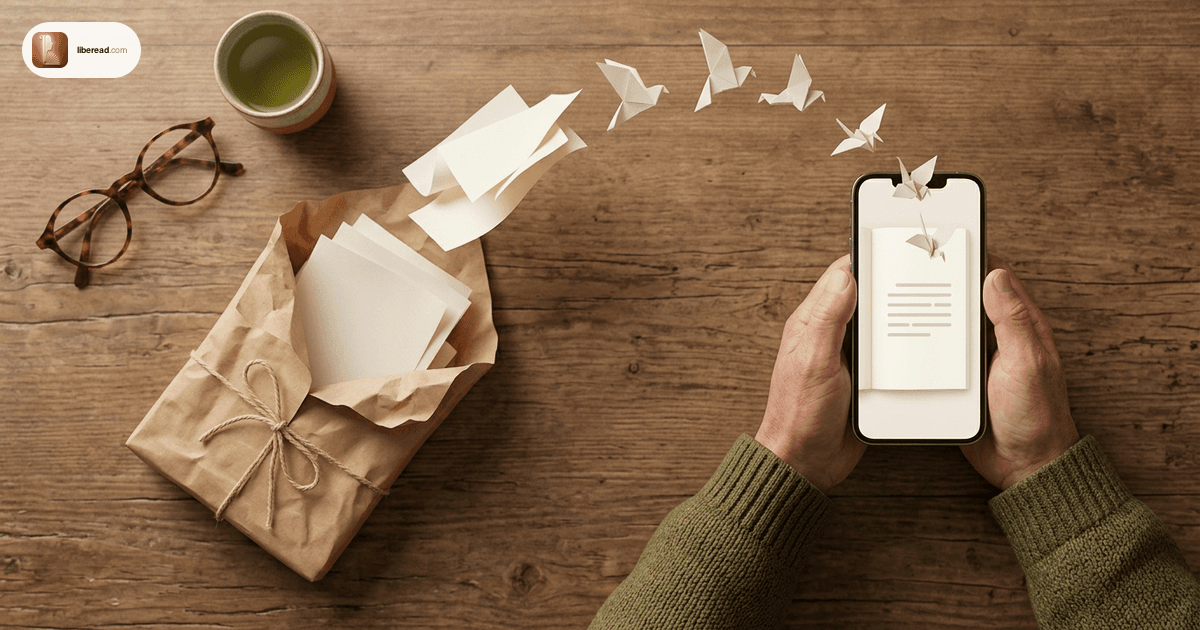
To open an FB2 file on iPhone, you need a third-party reading app, because neither Apple Books nor the Files app can display FB2 books. Save the file to Files, tap the share button, and choose a reader that supports FB2. If the book came as a .fb2.zip archive, unzip it in Files first by tapping it once.
The other route is converting FB2 to EPUB on a computer, which lets you read the book in Apple Books. It works, but it costs time for every book, and you often lose some formatting. Below we cover both, plus what to do when an FB2 file will not open.
What is an FB2 file?
FB2 (FictionBook 2) is an e-book format built on XML. According to Wikipedia, it originated and gained popularity in Russia, and it is still one of the most common formats in Russian- and Ukrainian-language online libraries.
A few things make FB2 different from EPUB or PDF:
- It is one text file. The whole book, including the title, author, chapters and even the cover image, lives in a single XML file.
- It describes structure, not layout. FB2 says "this is a chapter title, this is a paragraph, this is a poem". The reading app decides fonts, sizes and margins. Like EPUB, the text reflows to fit any screen.
- It often comes zipped. Because the file is plain text, libraries usually offer it as
.fb2.zipto save space.
Wikipedia also notes that Amazon's Kindle and Barnes and Noble's Nook do not support FictionBook directly, and neither does Apple Books. That is why FB2 files sit untouched in so many iPhone Downloads folders.
Why Apple Books can't open FB2
Apple Books reads EPUB and PDF (plus Apple's own formats and audiobooks). When you tap an FB2 file in Files, you get at best a preview of raw text or XML code, not a book, and Books cannot import it.
So on iPhone you have two choices: use an app that reads FB2 natively, or convert the file to EPUB.
Method 1: Open FB2 in a reader app (no converting)
This is the fastest way, and the book keeps its original structure.
Step 1: Get the file onto your iPhone
- Downloaded in Safari: the file lands in Files > Downloads.
- Sent by email or messenger: tap the attachment and choose Save to Files.
- From a computer: use AirDrop from a Mac, or put the file in iCloud Drive.
Step 2: Unzip if needed
If the file name ends in .fb2.zip or .zip, open the Files app and tap the archive once. iOS extracts it into the same folder, and you get the .fb2 file next to it.
Step 3: Open it in the reader
In Files, touch and hold the .fb2 file, tap Share, and pick your reader from the list. Or open the reader first and import the file from inside it.
Liberead, our iPhone e-book reader (free to download, with optional Liberead Plus), opens FB2 directly. You can bring books in from the Files picker (including iCloud Drive), through AirDrop or the Share Sheet, or by pasting a direct link to the file with Import from URL. The app reads the title, author and cover from the file, splits the book into chapters, and lays out the text with the font and theme you choose.
Because FB2 is reflowable, everything you expect from a modern reader works: font size from 14 to 28 pt, the publisher's font and Source Serif, Paper and Dark themes, search with context, bookmarks and vertical scrolling. Liberead Plus adds four more fonts, Sepia, OLED and custom colour themes. You can also turn pages without touching the screen with a head turn or a voice command such as "next", both free. We explain that in how to turn pages hands-free on iPhone.
Other apps that read FB2
Several other iPhone apps open FB2 too, including general file managers and dedicated e-book readers. If you already use one, check its import options for FB2 first. Look for an app that also opens EPUB and PDF, so you do not end up with a different reader for every format.
Method 2: Convert FB2 to EPUB
If you want to read in Apple Books, or keep all your books in one place, convert FB2 to EPUB first.
- On a Mac or PC, install Calibre, the free e-book manager.
- Add the FB2 file, select it, and choose Convert books with EPUB as the output format.
- Send the EPUB to your iPhone with AirDrop or iCloud Drive and open it in Books. Our guide on how to add EPUB books to your iPhone walks through this step.
There are also online FB2-to-EPUB converters. They work, but you upload the whole book to a stranger's server, and the result is not always clean: poems, footnotes and epigraphs can lose their formatting. For one book it is fine. For a library, a reader that opens FB2 directly saves a lot of time.
FB2 file won't open? Common fixes
The file shows XML code or a blank page in Files. That is normal: Files cannot display FB2. Open it in a reader app instead.
The reader does not appear in the Share menu. Open the reader and use its own import button. Some apps register for fewer file types than they can read.
It is a .zip, not a .fb2. Tap the archive in Files to extract it, then open the .fb2 file.
The text shows strange characters. Some older FB2 files are saved in a legacy Cyrillic encoding instead of UTF-8. If one book looks garbled while others are fine, try a different copy of the file or convert it with Calibre, which handles older encodings.
The file is actually FB3. FB3 is a newer, different format that few apps support. Look for an FB2 or EPUB version of the same book.
FB2 vs EPUB: which should you keep?
Both are reflowable formats for reading on any screen.
| FB2 | EPUB | |
|---|---|---|
| Structure | One XML file | Zip of HTML, CSS and images |
| Opens in Apple Books | No | Yes |
| Common in | Russian and Ukrainian libraries | Everywhere |
| Rich layout (tables, complex styling) | Limited | Yes |
| Reflows to screen size | Yes | Yes |
If a library offers both, EPUB opens in more apps. If you already have a collection of FB2 books, there is no need to convert them, as long as your reader opens FB2 natively.
Frequently asked questions
Can iPhone open FB2 files?
Not with built-in apps. Files and Apple Books cannot display FB2, but third-party e-book readers can, including Liberead.
How do I read FB2 on iPhone for free?
Install a free reader that supports FB2, save the book to the Files app, unzip it if it is a .fb2.zip, and open it in the reader through the Share menu or the app's import button.
Do I need to convert FB2 to EPUB?
Only if you want to read in Apple Books. A reader that opens FB2 directly keeps the book's chapters and saves you the extra step.
What is the difference between FB2 and FB2.ZIP?
They are the same book. FB2.ZIP is just the FB2 file compressed in a zip archive. Extract it first, then open the .fb2 file.
Can I open DRM-protected FB2 files?
FB2 books are almost always DRM-free. Liberead does not open DRM-protected books in any format.